What Building CuriousLM Taught Me About Local AI Privacy
August 8, 2026 • 0 minute read •
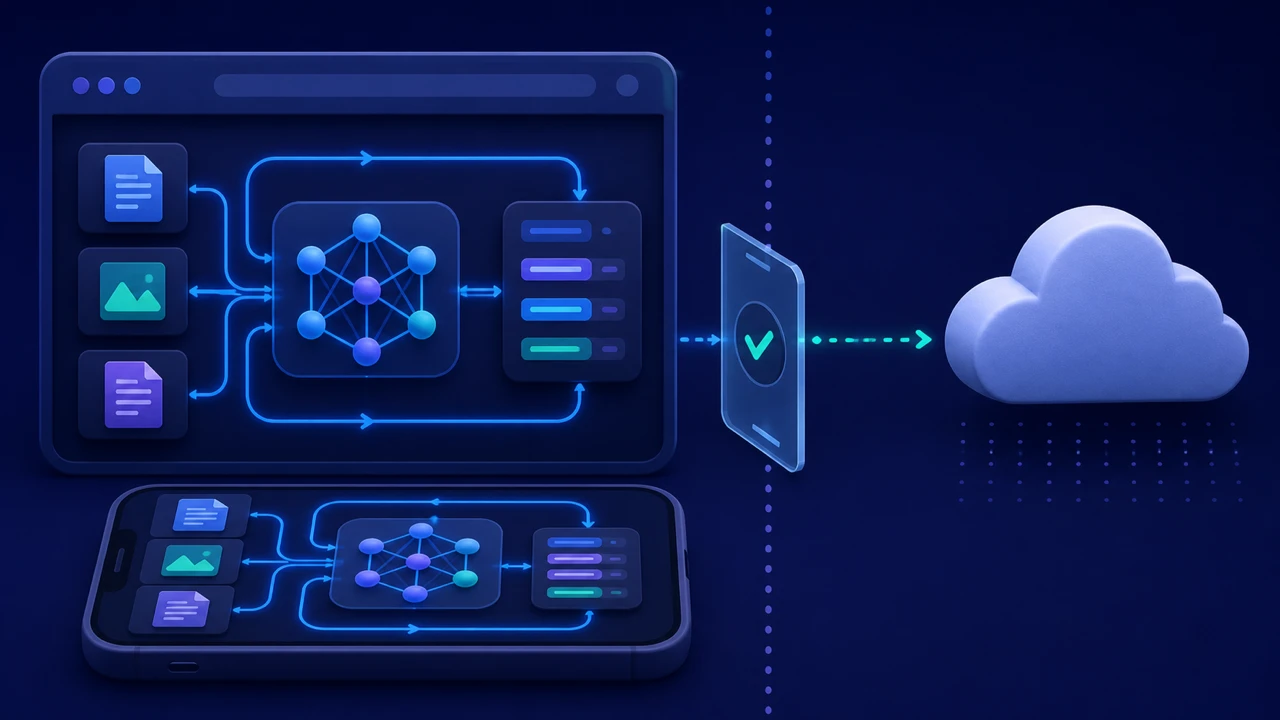
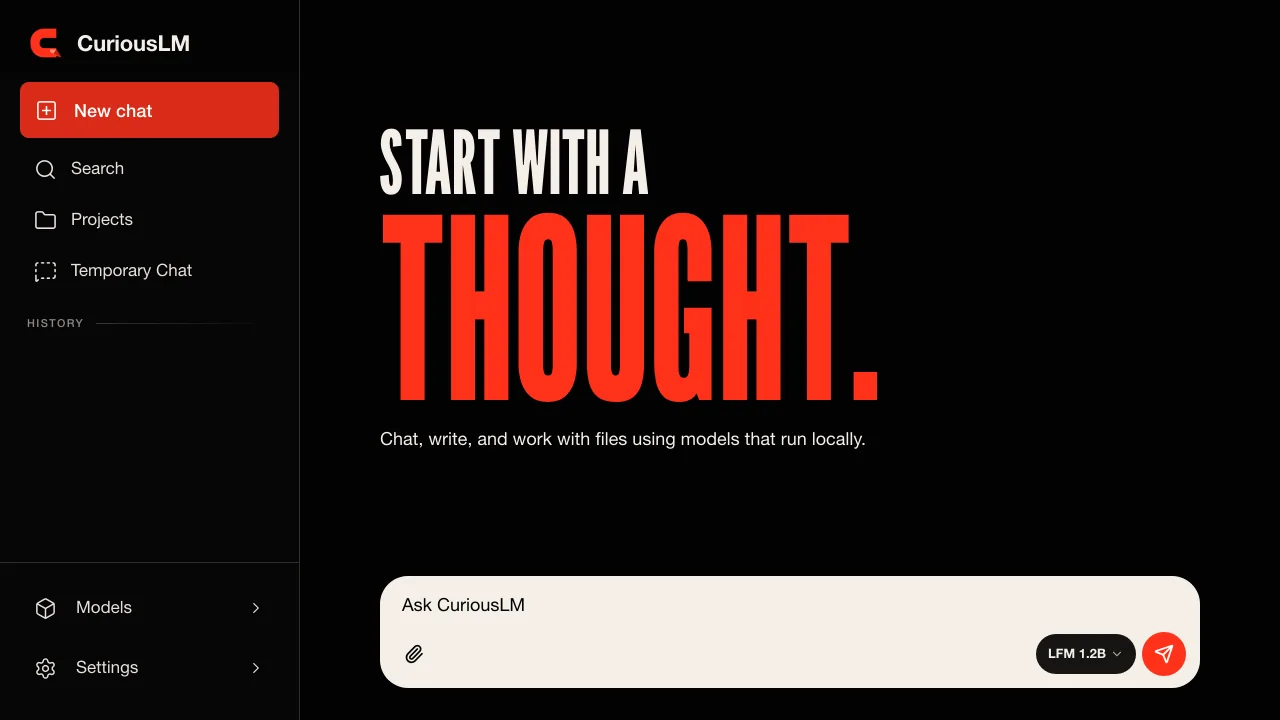
Building CuriousLM forced me to turn a broad promise, "local AI," into a list of specific technical decisions.
The useful question was never simply, "Is this app private?" I needed to answer smaller questions. Where does inference run? Where are conversations stored? Which actions need the internet? What leaves the device when they do? What does the user see before anything is sent?
Those questions shaped the architecture and the interface. They also gave me a practical framework I can use on any product that claims to be local-first.
Local storage and local inference are different claims
An app can save chat history in the browser while still sending every prompt to a hosted model API. In that setup, storage is local but inference is remote.
For normal CuriousLM chat, the model runs on the user's device. Prompts and responses do not go to a CuriousLM inference server. Chats, projects, memories, imported files, retrieval indexes, and model artifacts are also stored on the device.
That distinction affects how I describe the product. "Your history is stored locally" would be incomplete. A useful privacy statement needs to explain both computation and storage.
I documented the complete boundary on the CuriousLM local AI page, including the cases where a network connection is still required.
Local does not mean disconnected forever
A local AI app still needs software and model delivery. The application has to arrive on the device. Model files can be much larger than the app shell. Updates also need a delivery path.
CuriousLM therefore uses the network for initial delivery, model and runtime downloads, and updates. Optional web search and response reports can also use the network, but only after showing the relevant content and asking for confirmation. Disclosed cookieless aggregate analytics can be disabled in Settings and never includes chat or file content.
The lesson is simple: "works offline" should describe a tested workflow after setup, not every moment in the product's life.
The boundary should exist in the interface
A privacy policy cannot rescue a confusing interaction. If a button changes where data goes, that change belongs beside the button.
For an optional search, the user should see the query before it is sent. For a report, the user should see the exact excerpts and optional comment before submission. A loading state should distinguish local model work from an online request.
This approach also improves debugging. When local inference, model delivery, search, and reporting have different states, a network failure can produce a specific message instead of a generic error.
Protecting data on the device still requires work
Keeping data local moves responsibility to the device and the application.
In a browser, IndexedDB can store significant amounts of structured data and files, but browser storage can still be cleared or evicted. A local-first product needs export, deletion, and recovery guidance rather than treating browser storage as permanent.
On Android, the Android Keystore can keep cryptographic key material non-exportable and restrict how keys are used. Keystore support is one part of the design. The application still has to encrypt the correct records, handle unlocked sessions carefully, and explain what happens if a passphrase is lost.
Privacy also depends on the rest of the web application. A local database does not neutralize third-party scripts, weak content security, or accidental logging. The same care that applies to browser tracking applies to an AI interface with sensitive prompts.
A builder's checklist for local AI claims
Before shipping a local AI feature, I now write down an action-level map:
- Inference: Name the runtime and device context where generation happens.
- Storage: List conversations, files, indexes, memories, settings, and model artifacts separately.
- Delivery: Identify the hosts used for the app, runtime components, models, and updates.
- Optional network actions: Show the recipient and payload before sending user content.
- Analytics and diagnostics: Define the exact events, defaults, opt-out, and prohibited fields.
- Deletion and recovery: Explain what the app can delete, what the user must clear, and what cannot be recovered.
- Offline test: Complete a normal chat after disconnecting the device, once setup is finished.
This checklist prevents a product slogan from becoming an architecture shortcut. It also makes future features easier to review because every new network action has to fit into an existing boundary.
The biggest lesson from CuriousLM is that privacy becomes more credible when it is narrow and inspectable. Keep the normal path local. Name the exceptions. Put confirmation where the boundary changes. Then test the claim from the user's side of the screen.